If you need to upload files to your server but the files are too big to upload via our pterodactyl panel, you first need to install the recommended app that most of the developers use, “WinSCP”. Just download it from here.
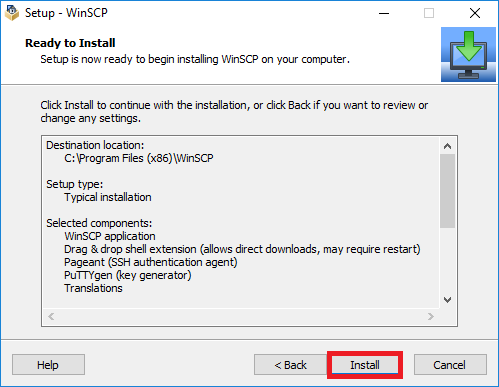
If you downloaded it and did the setup, go back to pp.vnav.cloud, select your server and go to settings.
From here you click on “Launch FTP” and you’re ready to go!
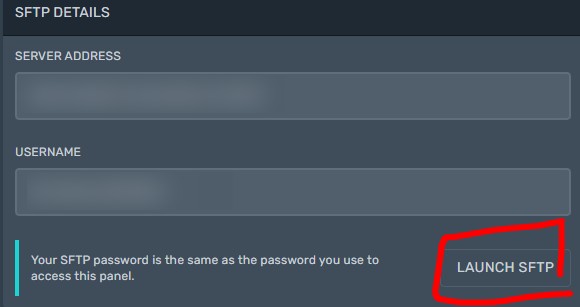
Please note: Your SFTP password is the same as the password you use to access the panel.