In this article, we will show you how to add a subuser to your gameserver. This is usefull, when you want someone else to acces your hosting control and files.
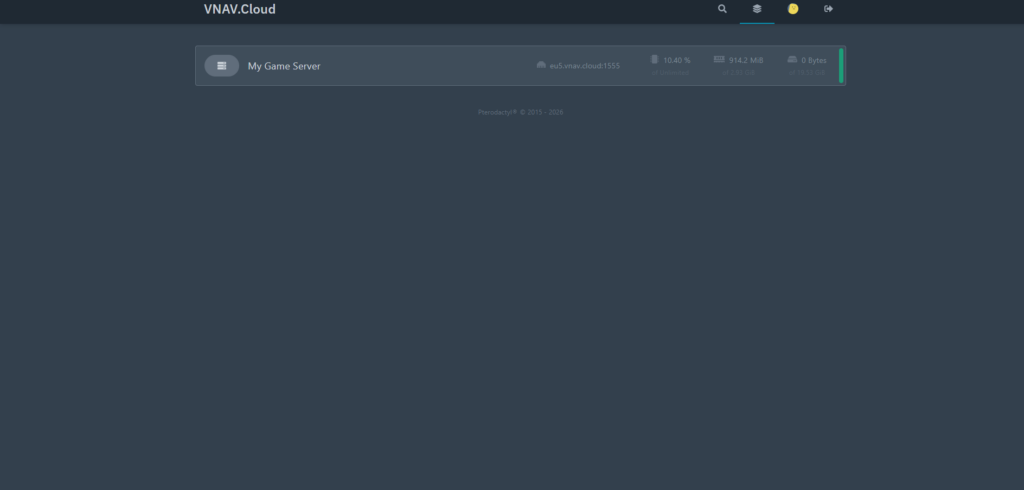
Open the gamepanel (pp.vnav.cloud), select the server you want to give acces to. Then head over to the “Users” page.
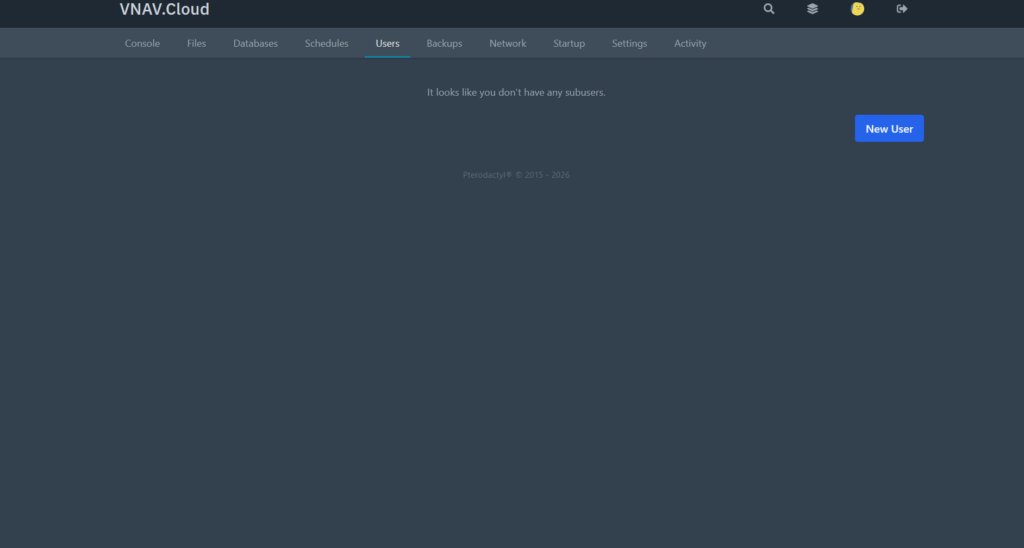
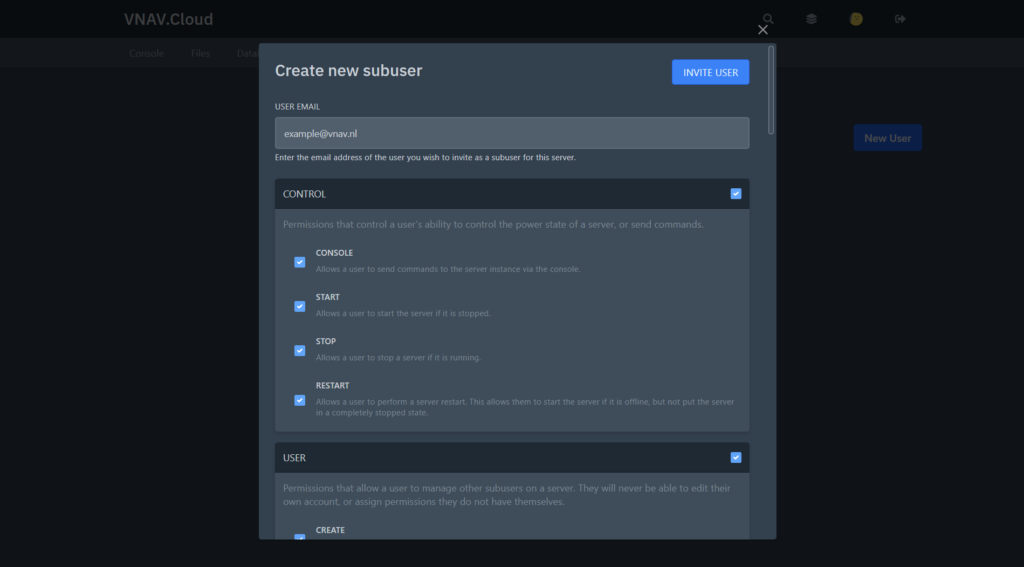
Click on “New User”, fill in the email address of the person you want to give access. Then select the permissions you want to give that person. When you are done, click on “Invite User”. After that, the email address should receive a link to create a new password. If no e-mail is received, please reach out to us via Discord, WhatsApp or E-mail, and we will be able to make a temporary password for the subuser if you send us their email address.
If you don’t understand something, or have any other questions, don’t hesitate to contact us. vnav.cloud/contact